What it does
Separate a region into a sharp yes or no mask. Values that reach the threshold become one; values below it become zero, so the boundary has no gradual blend.
Try Coordinate set to its vertical axis in Input, then adjust Threshold for a height mask. Use Multiply to keep detail only above that height. For a softer transition, try Piecewise Linear.
Shape
What comes out for each value that goes in, computed by the real engine. Above the orange line is solid ground.
Input unchanged
On noise
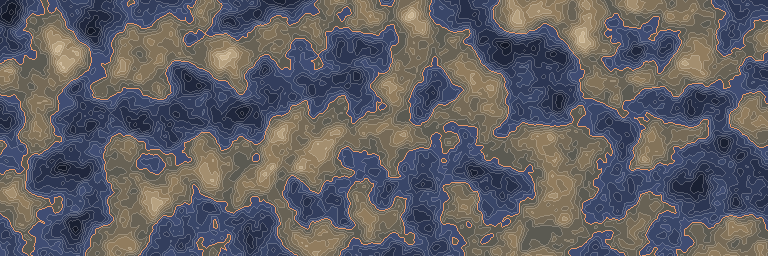
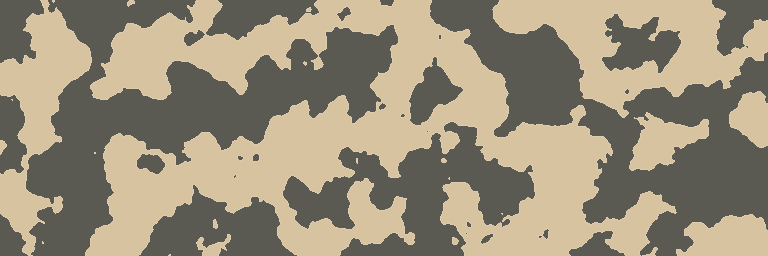
The standard noise stretched to run from -1 to 1, before and after this node. First along one line, then seen from above.
Inputs and outputs
| Name | Type | Default | What it changes |
|---|---|---|---|
| Inputs | |||
| Input | Density | The density to compare with the threshold. | |
| Threshold | Real | 0.0 | Higher values make fewer input values pass; equality passes. |
| Output | |||
| Output | Density | One where the input reaches the threshold, zero elsewhere. | |