What it does
Fade a detail field in and out across the landscape. Multiplying it by a mask can keep bumps in one region and remove them in another.
Connect the detail and its mask to Inputs. Use Remap to make the mask nonnegative, since multiplying two negative values can create solid ground. For a fixed multiplier, Scale is easier to tune.
On noise
The same noise before and after this node, seen from above.
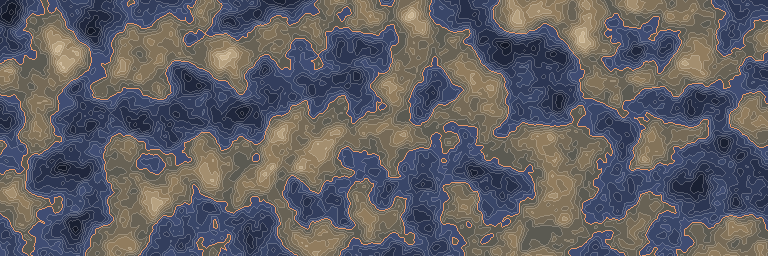
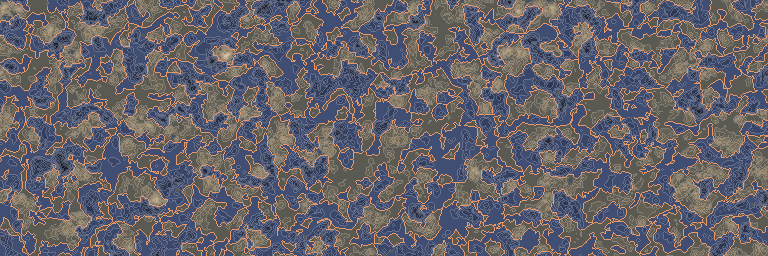
In 3D
The same output in relief: each value becomes a height, coloured like the map above. Drag to look around.
Inputs and outputs
| Name | Type | Default | What it changes |
|---|---|---|---|
| Inputs | |||
| Inputs | Density | The densities to multiply; a zero value removes the result at that position. Takes several, in order. | |
| Output | |||
| Output | Density | The product of the input densities. | |
Good to know
Put a simple mask first
Later inputs are skipped when the running product reaches zero. A cheap mask that often removes the detail can therefore save work.