What it does
Soften the rim where a cut meets the ground. Like Minimum, Smooth Minimum keeps terrain only where both inputs allow it, then rounds the meeting point.
Connect the terrain to A and a field that is negative inside the cut to B. Increase Range gently until the rim looks right. The rounding removes a little more ground, so check nearby thin walls.
On noise
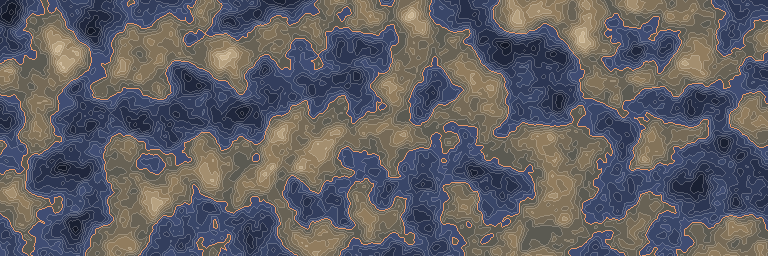
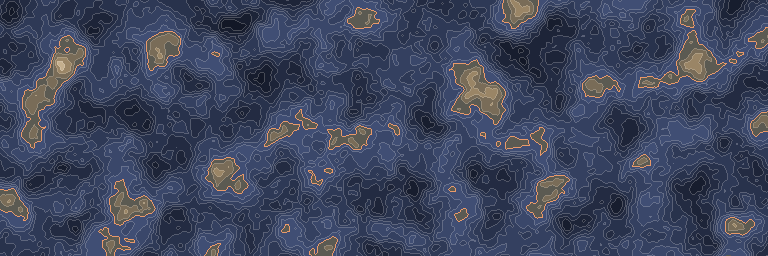
The same noise before and after this node, seen from above.
In 3D
The same output in relief: each value becomes a height, coloured like the map above. Drag to look around.
Inputs and outputs
| Name | Type | Default | What it changes |
|---|---|---|---|
| Inputs | |||
| A | Density | The first density to restrict. | |
| B | Density | The second density, negative where it should remove ground. | |
| Range | Real | 1.0 · ≥ 0 | Higher values soften a wider part of the cut, measured in density values. |
| Output | |||
| Output | Density | The minimum with a rounded, slightly deeper cut at the join. | |
Good to know
Check after changing amplitude
A change in either input amplitude changes how the rounding looks in blocks. Retune Range after reshaping the terrain or cave field.