What it does
Turn a noise pattern into a useful blend or height control without changing where its features lie. Remap stretches and shifts its values along a straight line.
Set Source minimum and Source maximum to the input values you want to map, then choose their destinations with Target minimum and Target maximum. Try it before Mix to make a mask. Reverse the destination values if the opposite regions should stand out.
Shape
What comes out for each value that goes in, computed by the real engine. Above the orange line is solid ground.
Input unchanged
On noise
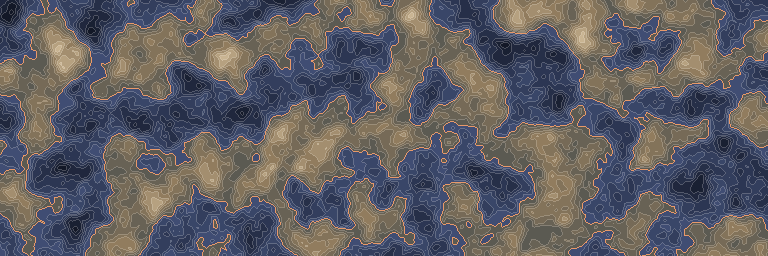
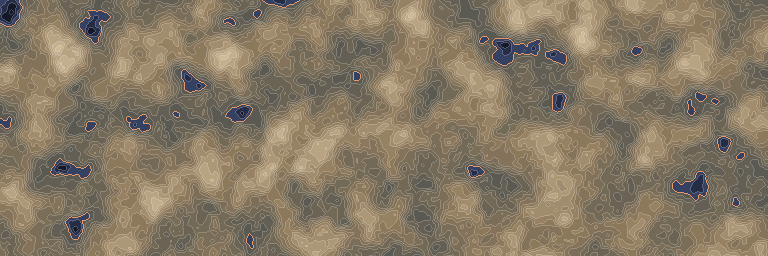
The standard noise stretched to run from -2 to 2, before and after this node. First along one line, then seen from above.
Inputs and outputs
| Name | Type | Default | What it changes |
|---|---|---|---|
| Inputs | |||
| Input | Density | The density to stretch and shift. | |
| Source minimum | Real | -1.0 | The lower input reference, mapped to the first destination value. |
| Source maximum | Real | 1.0 | The upper input reference, mapped to the second destination value. |
| Target minimum | Real | 0.0 | The output value at the lower input reference. |
| Target maximum | Real | 1.0 | The output value at the upper input reference. |
| Output | |||
| Output | Density | The remapped density, continuing beyond the reference values. | |
Good to know
Clamp a mask when needed
Remap keeps going beyond its reference points. Add Clamp when the next node needs a mask that cannot pass those bounds.