What it does
Flatten the tallest parts of a height field without changing its lower slopes. Clamp stops values at the bounds you choose, so a peak that reaches the upper bound becomes a plateau.
Try noise in Input and lower Maximum while watching the preview. Clamp the noise before scaling it into a height. Use Remap when you want to stretch the whole range instead of flattening its ends.
Shape
What comes out for each value that goes in, computed by the real engine. Above the orange line is solid ground.
On noise
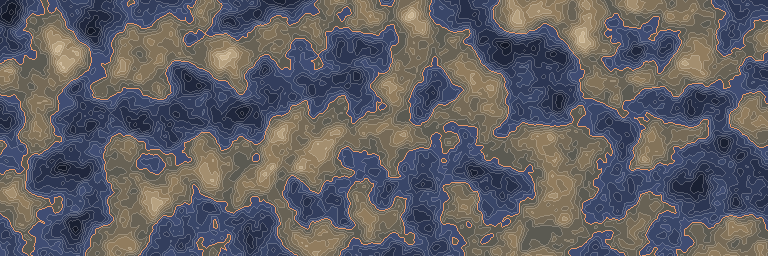
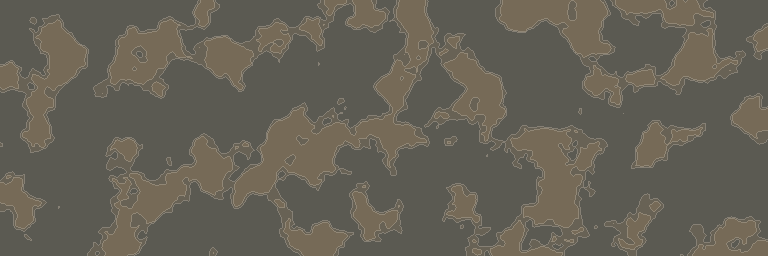
The standard noise stretched to run from -1 to 1, before and after this node. First along one line, then seen from above.
Inputs and outputs
| Name | Type | Default | What it changes |
|---|---|---|---|
| Inputs | |||
| Input | Density | The density whose extreme values you want to stop. | |
| Minimum | Real | -1.0 | Raises every value below this lower bound to the bound. |
| Maximum | Real | 1.0 | Lowers every value above this upper bound to the bound. |
| Output | |||
| Output | Density | The bounded density; values already inside the bounds stay unchanged. | |