What it does
Turn the positive side of a density into the negative side. Used as terrain, this swaps solid ground and air, while positions exactly at zero stay empty.
Try Base Height in Input to put ground below its chosen height. You can also negate a solid shape before Minimum to carve that shape out of existing terrain.
Shape
What comes out for each value that goes in, computed by the real engine. Above the orange line is solid ground.
Input unchanged
On noise
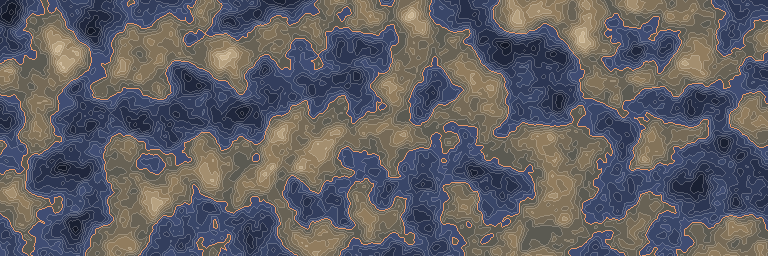
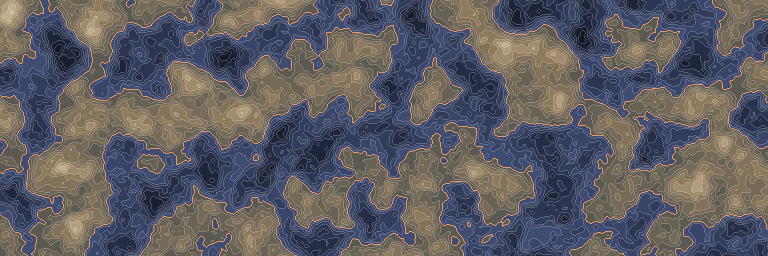
The standard noise stretched to run from -1 to 1, before and after this node. First along one line, then seen from above.
Inputs and outputs
| Name | Type | Default | What it changes |
|---|---|---|---|
| Inputs | |||
| Input | Density | The density whose sign you want to reverse. | |
| Output | |||
| Output | Density | The input with positive and negative values exchanged. | |